Fast point-of-sale
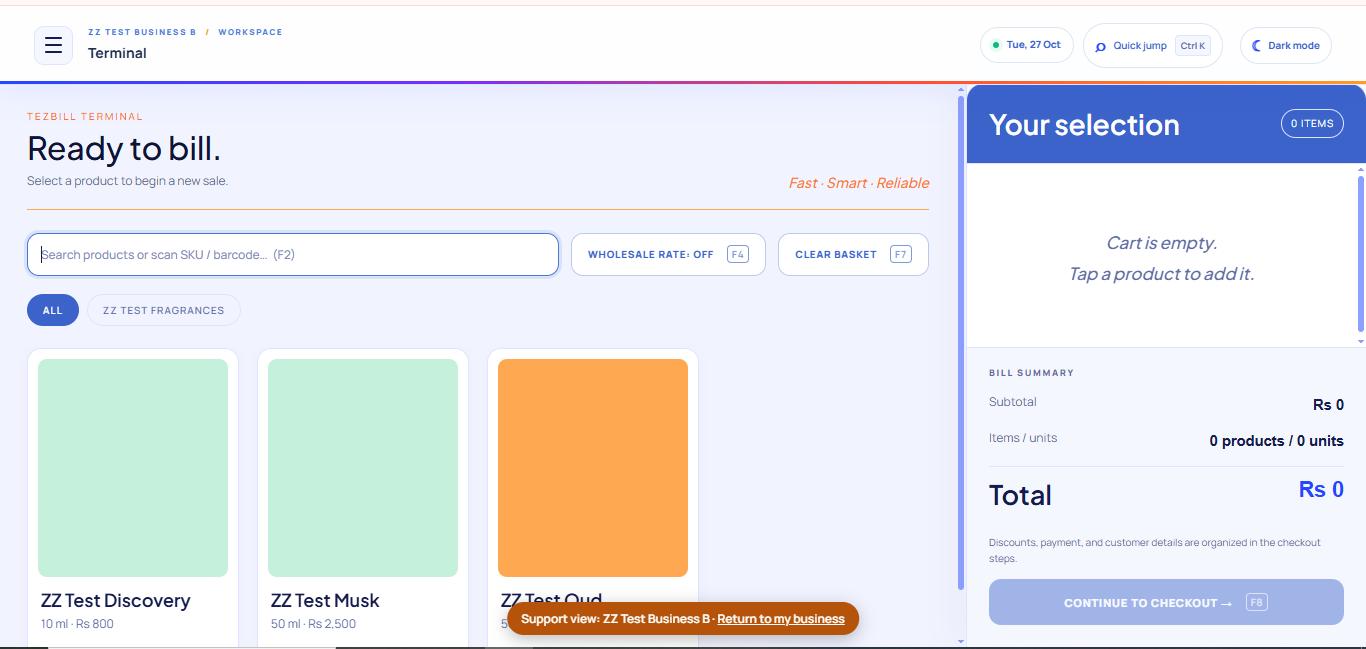
Search products, build a basket, apply supported pricing and record sales from a focused billing terminal.
TezBill brings point-of-sale billing, inventory, customer accounts and business reporting into one clear workspace—so you can spend less time juggling records and more time running your business.
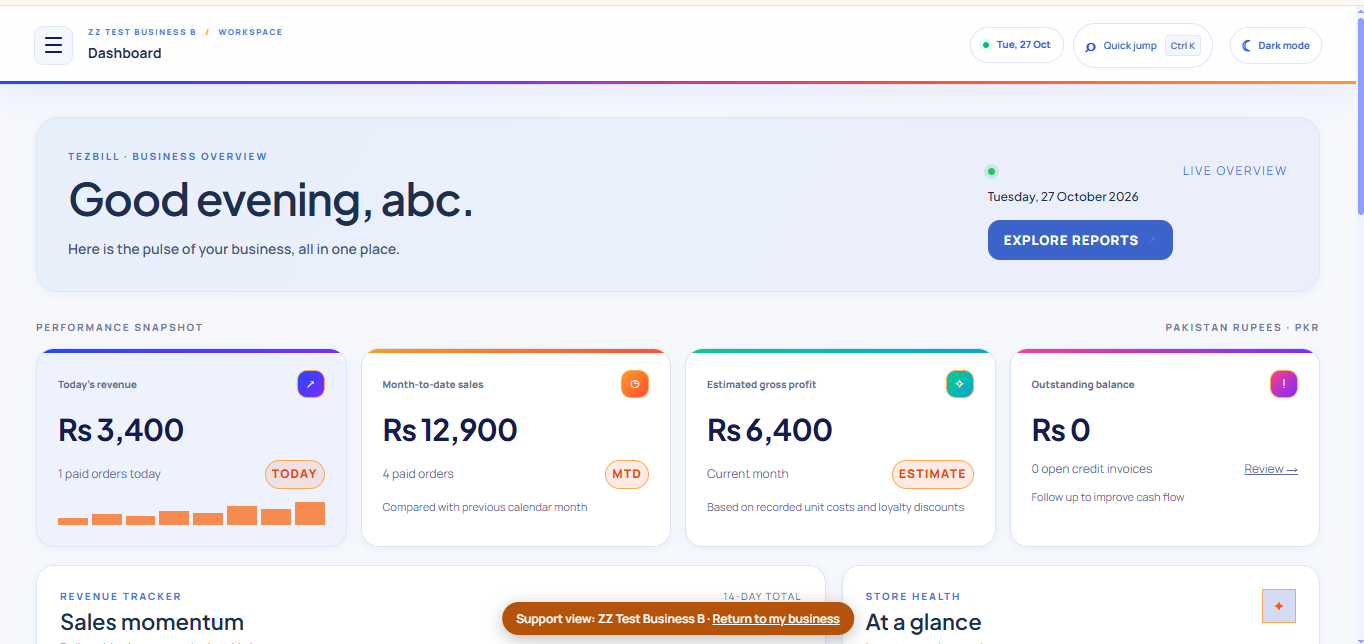
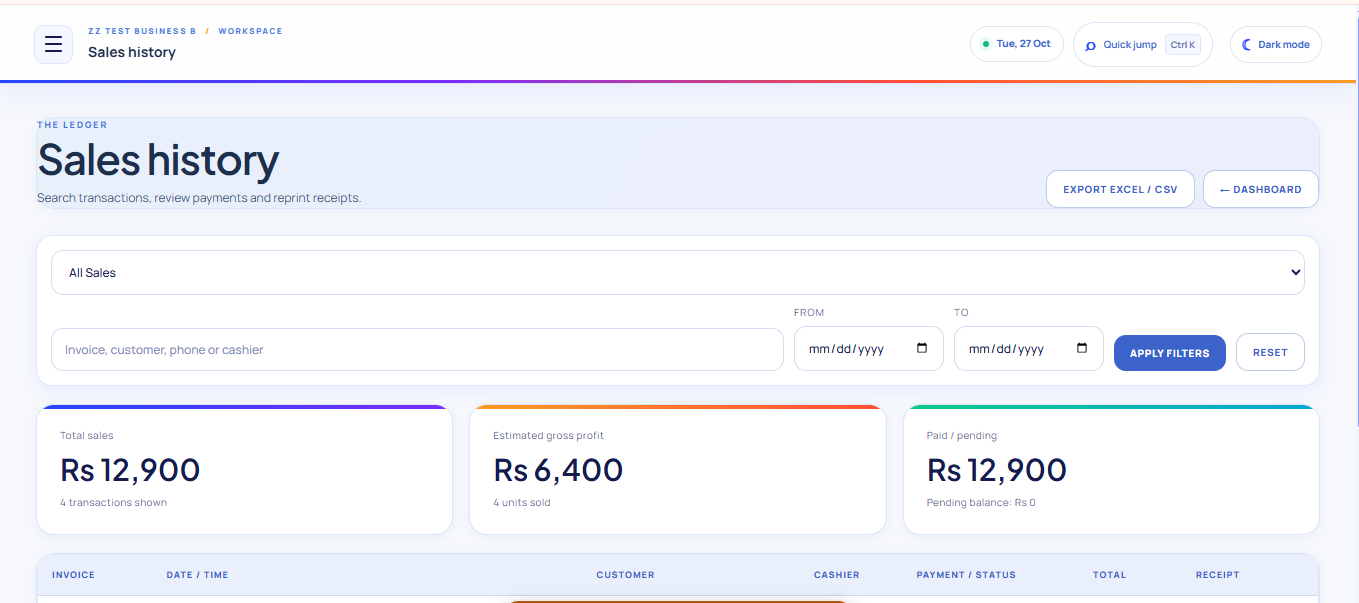
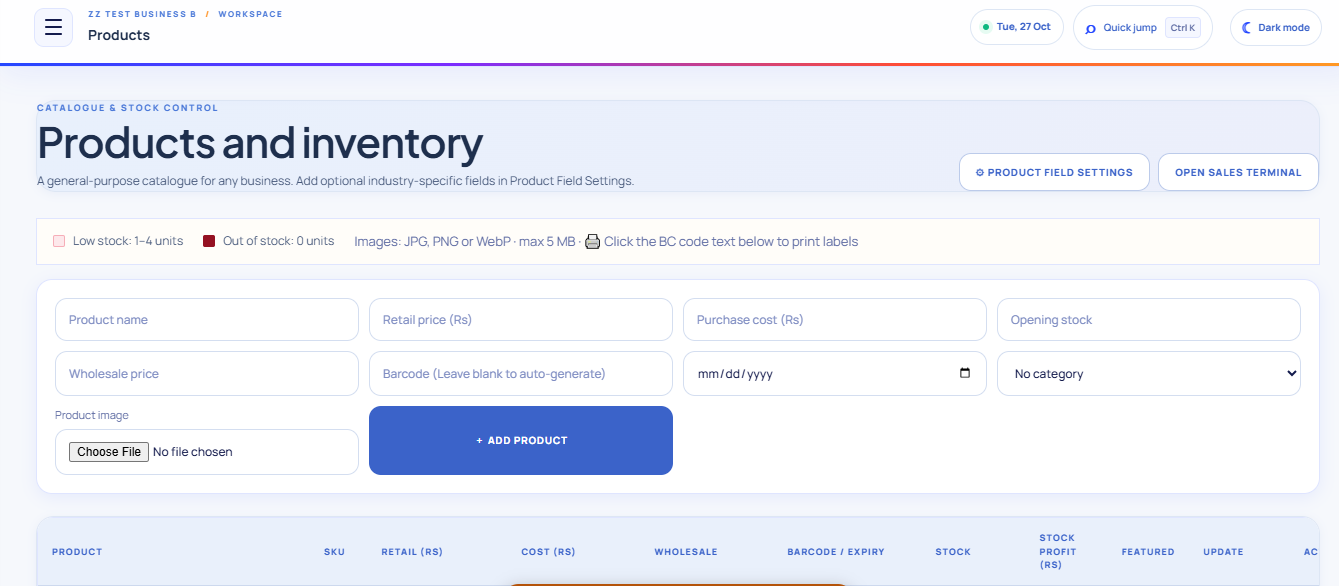
Move between selling, stock management and customer accounts without losing track of the details behind your business.
Search products, build a basket, apply supported pricing and record sales from a focused billing terminal.
Manage products, categories, stock levels, purchases and adjustments in the same system.
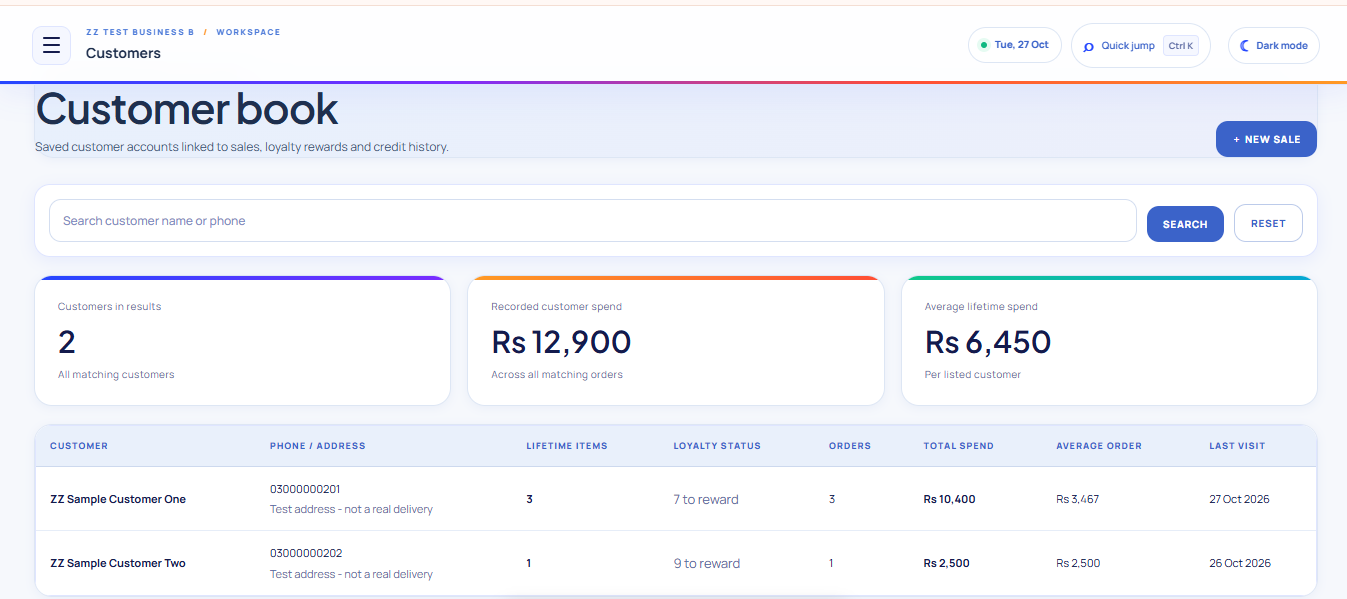
Turn first-time buyers into regulars with points, visit or item rewards, Silver/Gold/VIP tiers and one-tap WhatsApp win-back for customers who stopped coming. Credit balances and statements stay organized too.
Review sales, expenses, stock and business performance using your stored records.
Track supplier purchases and payments alongside the stock they bring into your business.
Use staff roles and business-scoped access to keep each workspace's operations separated.
Start with a business account, organize your catalogue and use the POS workspace to record transactions.
Register your business and choose from the plans currently configured for TezBill.
Add your products, categories, staff and relevant business settings.
Record sales, manage stock and review customer accounts and reports.
Pricing below is read from active plans configured in the TezBill database. We do not display example prices as if they were live offers.
Key details about using TezBill.
TezBill includes point-of-sale billing, product and stock management, customer records, credit tracking, purchases, expenses and reporting, subject to the features enabled in your account.
The system is designed around business-scoped accounts and access. Each deployment should still be tested for tenant isolation before being used with real businesses.
Any published plan and price on this page is loaded from the active subscription plans configured in the database. If no configured prices are available, contact the TezBill administrator before purchasing.
Online subscription payment is not advertised as available until a payment provider and merchant account are configured and tested.
Use the sign-in link to open the existing TezBill login page. Account registration is available from the Get started button.
Start with the TezBill workspace and keep your daily operations connected.